SEO guide Last verified 2026-10-24
Improving Search Visibility
A practical checklist for making an agency site easier to find, based on Caseta's SEO tools.
Overview
Search visibility improves when the site is live, indexable, fast and well described. This checklist uses Caseta's SEO tools and Website settings; it is not a promise of rankings.
The checklist
1. Make the site live and reachable
- Website settings → Publishing: turn on Publish this site.
- Website → Custom domains: verify the domain and its DNS.
- Confirm the public site loads over HTTPS.
2. Let search engines in
- Website → Robots & indexing: keep indexing on unless you deliberately want the site
hidden.
- Choose System defaults unless you need custom rules.
- Keep discovery files on so the sitemap and robots.txt are published.
3. Give every page a unique title and description
- Use the SEO panel in the page/post editor.
- Titles up to 70 characters, descriptions up to 160.
- Avoid duplicate titles across pages and listings.
- Set sensible defaults in Website settings → SEO.
4. Publish real content
- Add useful Home, About, Contact and service pages.
- Write posts with clear headings and internal links.
- Complete listing descriptions rather than leaving them thin.
5. Fix broken links and redirects
- Use Website → Redirects after changing a slug.
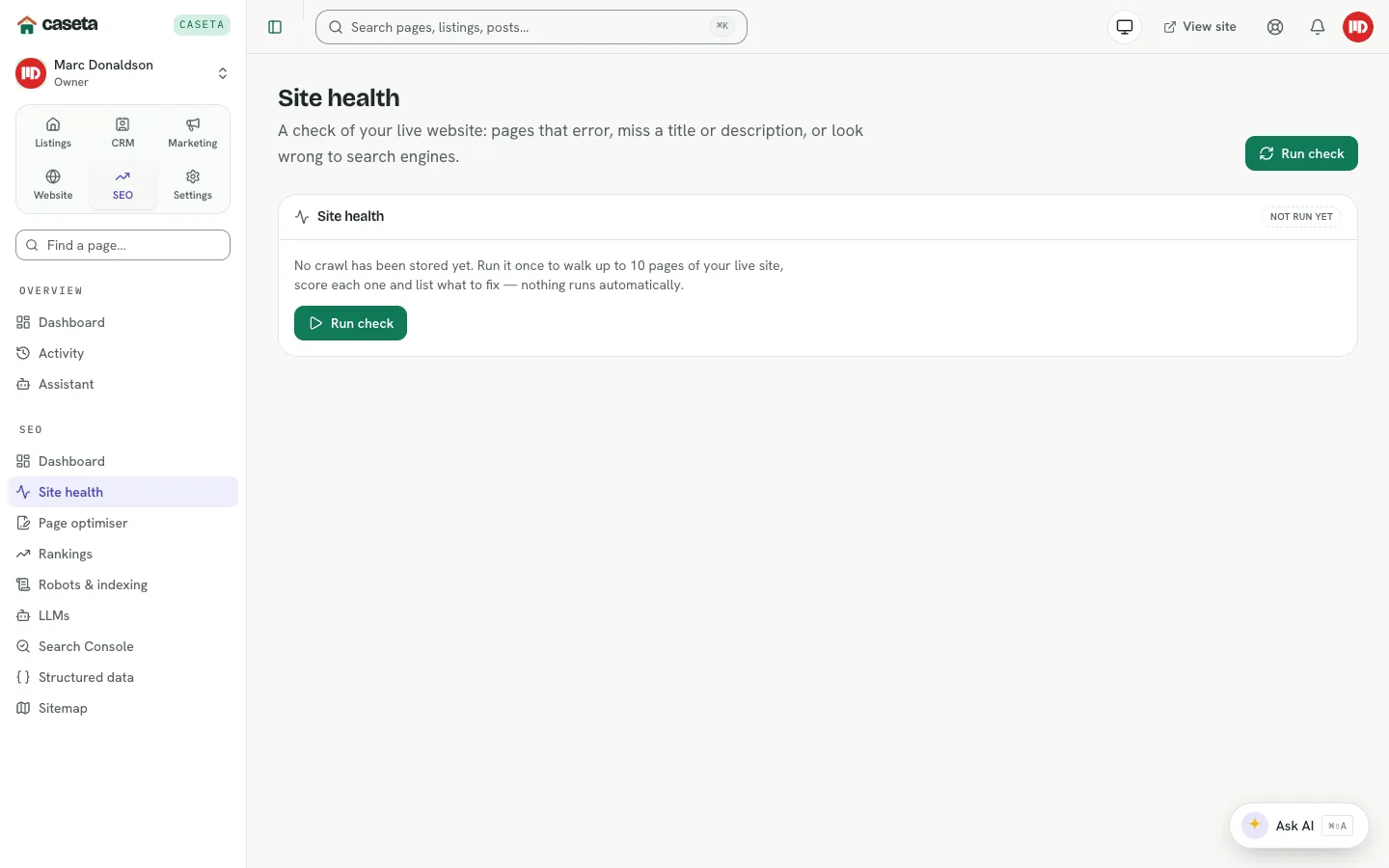
- Run SEO → Site health to find errors.
- Remove or redirect dead pages.
6. Improve speed
- Upload reasonably sized images (Caseta converts and fits them).
- Avoid enormous pages with dozens of full-size images.
- Check SEO → Rankings → Page speed.
7. Validate structured data
- Open SEO → Structured data.
- Complete missing listing fields.
- Revalidate after fixes.
8. Connect Search Console
- Open SEO → Search Console.
- Add the site in Google Search Console and follow the verification guidance.
- Use the data to find queries and pages worth improving.
9. Help AI assistants understand the site
- Open Website → LLMs and publish
llms.txt. - Keep the short guide accurate and concise.
10. Re-check
- Re-run the SEO audit after changes.
- Review rankings and Search Console over weeks, not hours.
Common Problems
- Pages are indexed but not ranking. Ranking depends on competition, content and
authority. Improve content and internal links first.
- The audit disagrees with Google. The audit is a local check; Search Console is the
search engine's own view.
- A page is missing from search. It may be noindex, a draft, blocked by robots, or not
linked.
- Scores stay low. Re-run the audit and fix the specific findings rather than chasing
the number.