Managing Newsletter Subscribers
How website newsletter signups become consented contacts, how to handle unsubscribes and how to export the list.
Overview
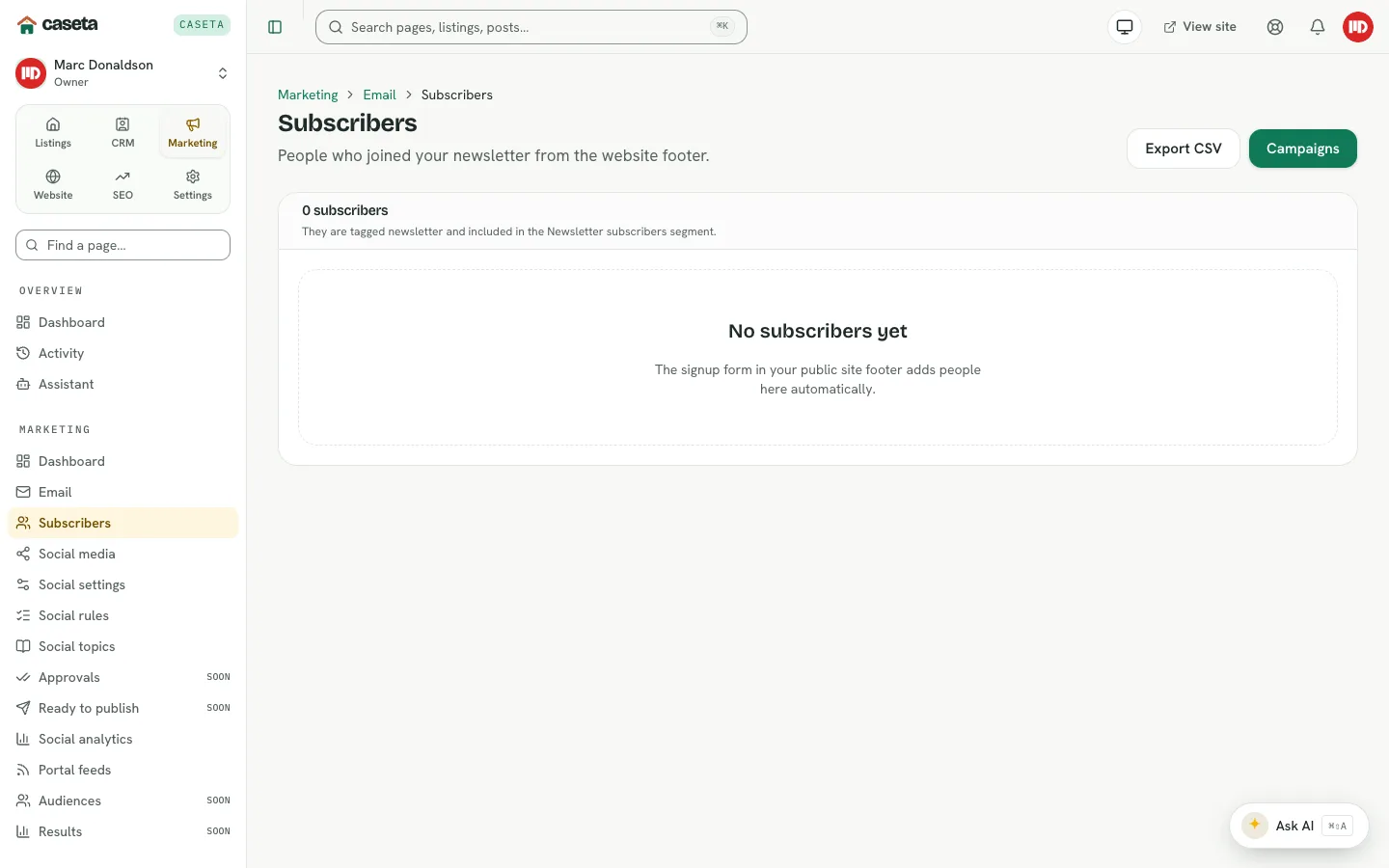
Visitors can join the newsletter from the public website footer. Caseta records the signup as a contact with marketing consent, tags them newsletter and adds them to the Newsletter subscribers segment. The subscribers page shows the live count and lets you manage unsubscribes and export the list.
Who Is This For?
Agents, admins and owners with the email module.
Step-by-Step Instructions
Step 1: Open Subscribers
Choose Marketing → Subscribers (also linked from the Email page).
Step 2: Review the list
The page shows people with newsletter consent. The headline count reflects the current live list.
Step 3: Handle an unsubscribe
Select the unsubscribe action for a person who has asked to stop receiving marketing email. Caseta records the change so future campaigns exclude them. A person can also unsubscribe from the link in an email.
Step 4: Use the audience in a campaign
When creating a campaign, choose the Newsletter subscribers segment (or everyone with marketing consent). Do not build a manual list from people who have not consented.
Step 5: Export (where available)
Use the export action to download the list as CSV for analysis. Treat the export as personal data and store it securely.
Understanding Consent
| Item | Meaning |
|---|---|
| Marketing consent | The person agreed to marketing email |
| Newsletter tag | The tag added to website signups |
| Newsletter subscribers segment | A saved segment of consented signups |
| Unsubscribe | Removes the person from future marketing sends |
Common Problems
- The count does not match expectations. Only contacts with current marketing consent
are counted. A contact created manually without consent does not appear.
- A signup is missing. Check the website footer form, spam protection and whether the
person completed the confirmation step.
- A campaign still includes an unsubscribed person. The audience is captured at send
time; unsubscribes before the send are excluded. If a send already started, the recipient list is fixed.
- Export fails. Your role may not allow exports.
Security and Privacy
Subscriber data is personal data. Use it only for marketing the person consented to, honour unsubscribes promptly, and protect exports. Do not add people to the newsletter without a lawful basis.