Sharing Collaborations and Tracking Commissions
How to offer properties to partner agencies with scoped links, record registrations, and manage expected, invoiced and paid commission lines.
Overview
Collaborations let your agency offer a property to another agency through a scoped, expiring link. The partner can view the listing, register a buyer and see their own registrations and commission, without access to the rest of your workspace. Commissions track what the agency expects, invoices and is paid for a deal.
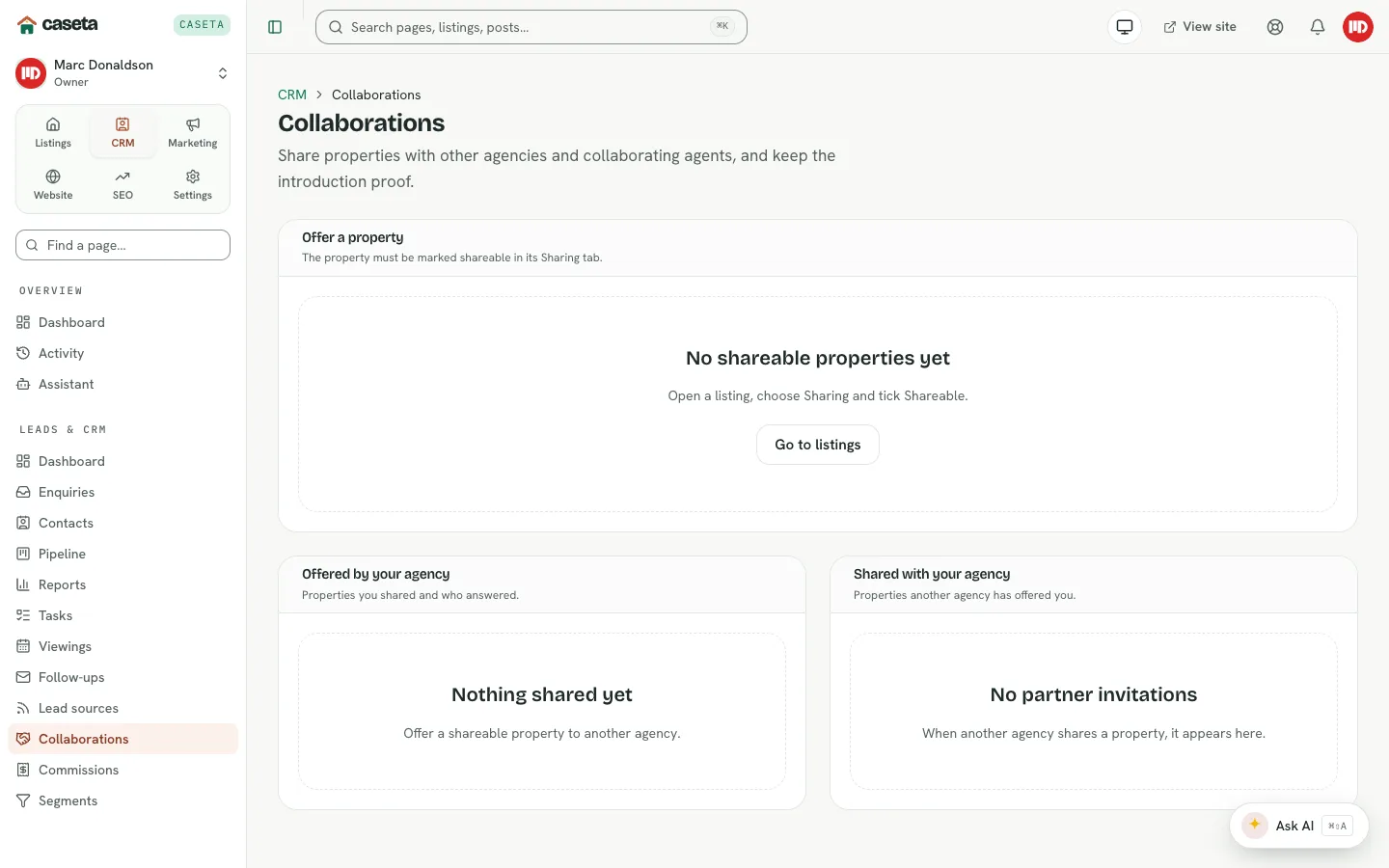
Collaborations
Offer a property
- Open CRM → Collaborations.
- In Offer a property, choose a shareable listing, an optional partner organisation
or contact, a commission percentage and notes.
- Create the offer.
The listing must have Shareable turned on in its Sharing tab.
Grants and links
A collaborator link is scoped. Choose how long it lasts (1–365 days, default 30) and which actions it allows:
- view the listing,
- register a buyer,
- view their own registrations,
- view their own commission.
The link is a bearer token; share it only with the intended partner.
Registrations
A partner can register a buyer through the link. Registrations appear in the collaboration panel, where you can review or delete them. The partner sees only their own registrations and commission.
Revoke access
Revoke a grant to invalidate the link immediately. Remove a collaboration when the arrangement ends. Removing a collaboration does not delete the property.
Commissions
Configure defaults
Open CRM → Settings → Commissions:
| Field | Purpose | Validation |
|---|---|---|
| Rate % | The agency's gross commission rate | 0–100 |
| Collaborator share % | The default share offered to a collaborator | 0–100 |
| VAT enabled | Whether VAT is included in calculations | On/off |
Commission lines
Open CRM → Commissions to see lines by status:
- Expected — forecast from the deal.
- Invoiced — an invoice has been raised.
- Paid — the money has been received.
Each line can carry an invoice reference, invoice date, paid date, note, amount and rate. Lines are recalculated when the deal value or stage changes; invoiced and paid lines are not silently overwritten. Use Recalculate to refresh eligible lines and Update to record a status or amount.
Who sees what
Commission visibility follows roles and permissions. The collaborator only sees their own commission through their link. Internal visibility is controlled by the CRM access settings.
Common Problems
- A property cannot be offered. Turn on Shareable in the listing's Sharing tab.
- The partner cannot open the link. The grant may have expired or been revoked.
- A commission line is unchanged after a deal edit. Invoiced and paid lines are
protected; recalculate or edit the line explicitly.
- No commission appears for a deal. Set the deal value and the commission defaults.
- You cannot see commissions. Your role or access grant may exclude them.
Screenshots
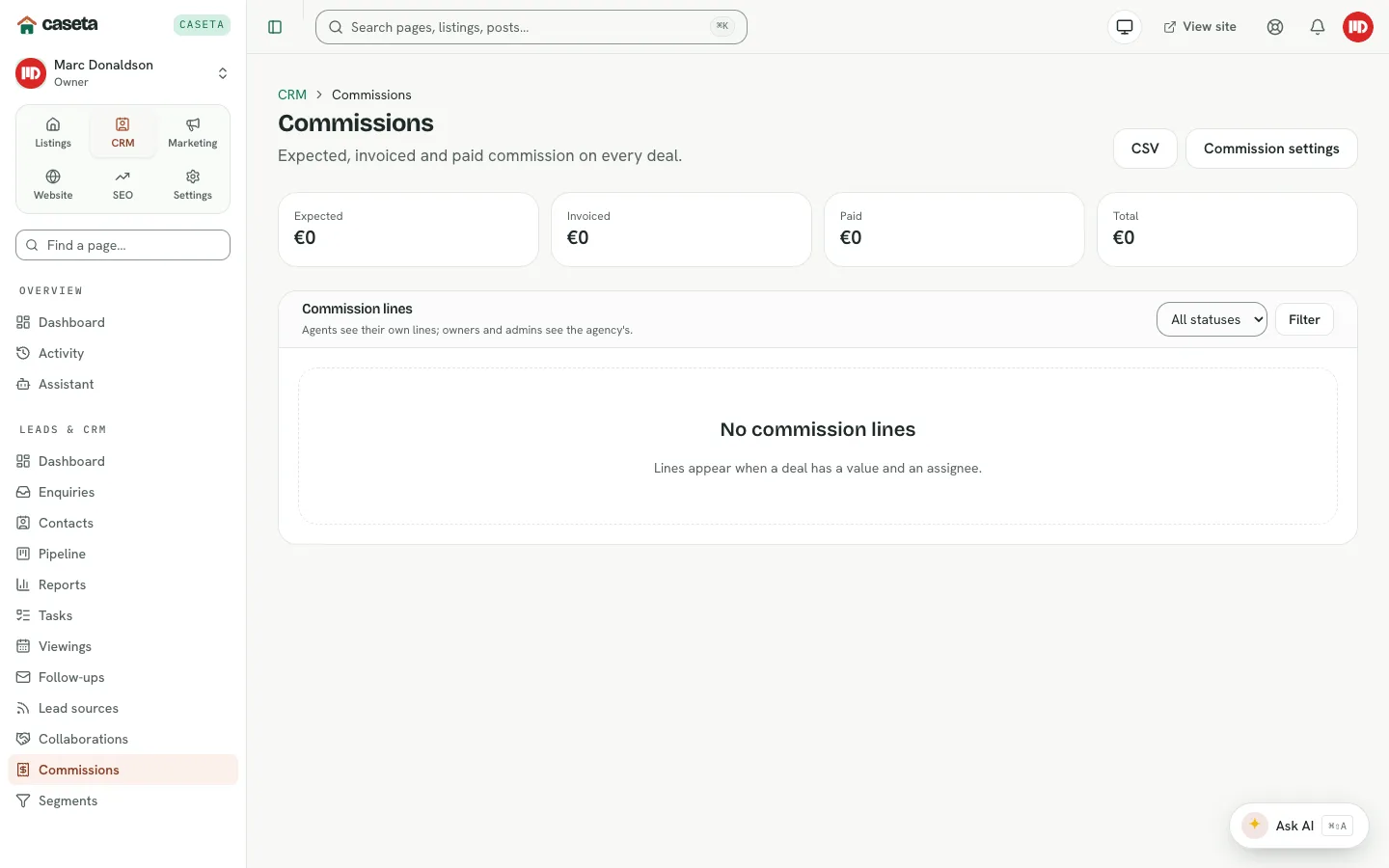
Shows commission tracking