Overview of the CRM Workspace
How the Caseta CRM fits together: enquiries, contacts, pipeline, tasks, viewings, follow-ups, segments, collaborations, commissions and reports.
Overview
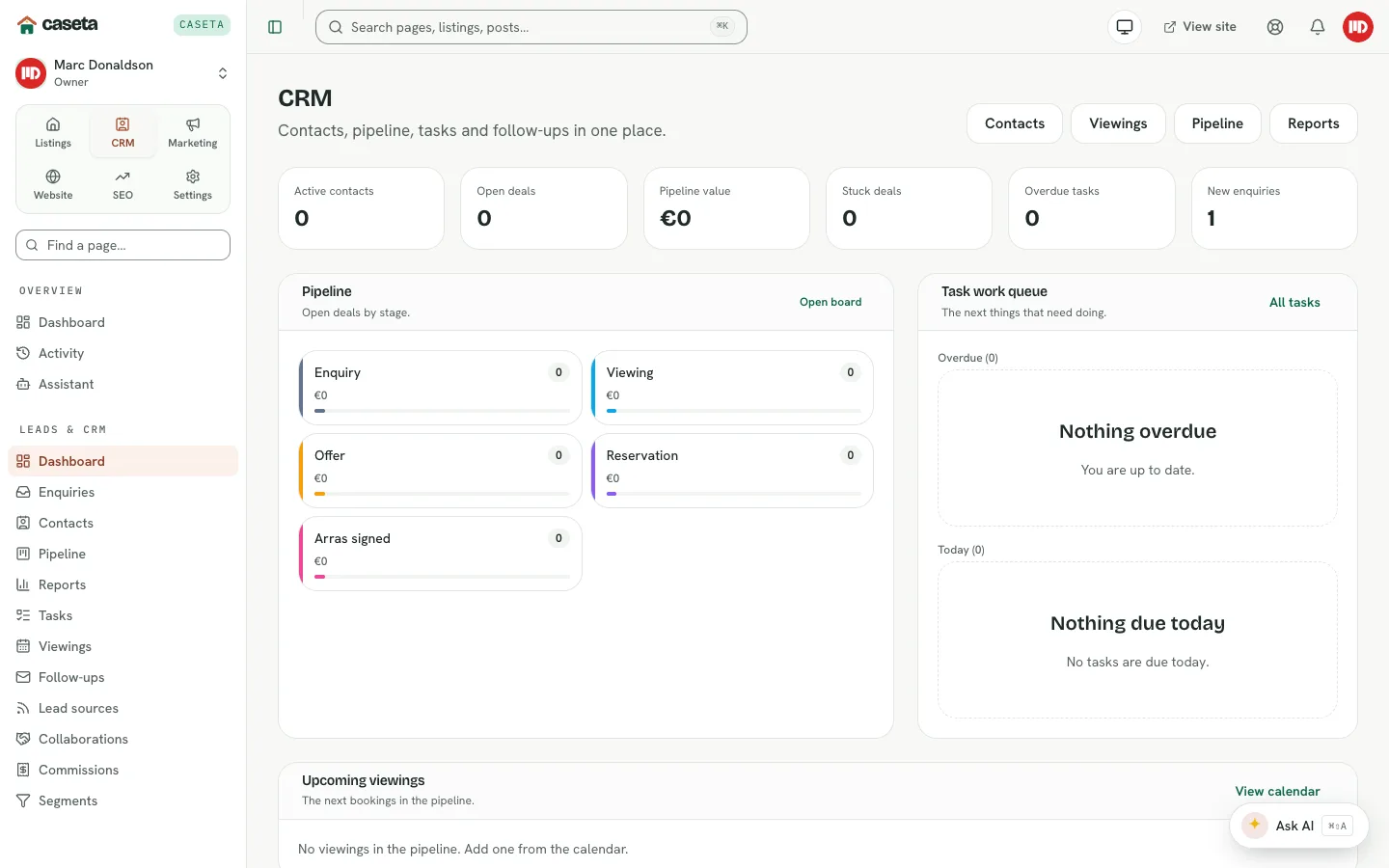
The CRM turns website and portal enquiries into relationships, deals and follow-ups. It holds the people you work with (contacts), the properties and deals they are interested in, the tasks and viewings that move things forward, and the reporting and commission records around them.
Who Is This For?
Agents, admins and owners whose plan includes CRM and whose access grant allows the area.
The CRM dashboard
Open CRM → Dashboard. It summarises:
| Panel | What it shows |
|---|---|
| Pipeline | Deals by stage and their value |
| Task work queue | Overdue, today and upcoming tasks |
| Upcoming viewings | Requested, scheduled and confirmed viewings |
| New enquiries | Recent enquiries that need a reply |
| Follow-ups waiting | Drafts awaiting approval |
| Recently active contacts | People with recent activity |
The main tools
| Page | Purpose |
|---|---|
| Enquiries | The shared inbox for website and portal enquiries |
| Contacts | Buyers, sellers, developers and partners, with a timeline |
| Pipeline | Deals by stage, from enquiry to completion |
| Tasks | Calls, emails, viewings and to-dos with due dates and assignees |
| Viewings | A month calendar and booking flow |
| Follow-ups | AI-assisted check-in drafts, approved before sending |
| Segments | Saved groups of contacts |
| Lead sources | Attribution for enquiries and deals |
| Collaborations | Share properties with other agencies |
| Commissions | Expected, invoiced and paid commission lines |
| Reports | Funnel, source, response-time and sales reporting |
Step-by-Step: a typical day
- Open Enquiries and reply to new messages.
- Open Contacts to add requirements and schedule follow-ups.
- Move deals in Pipeline as viewings and offers progress.
- Check Tasks for overdue items and Viewings for today's appointments.
- Review Follow-ups and approve only the drafts you want sent.
- Use Reports to review sources and response times.
Understanding access
CRM pages are part of the crm access area. Owners and admins manage the area matrix
and per-member grants in CRM → Settings → Access. Restricted members may also be
read-only.
Common Problems
- CRM is missing from the sidebar. The plan may not include CRM, or your access grant
may exclude it.
- You cannot edit a deal or contact. You may be read-only.
- An enquiry did not become a contact. Enquiry conversion depends on the inbox flow;
create the contact manually if needed.
- No suggested matches. Buyer requirements and published listings are both required.
Screenshots
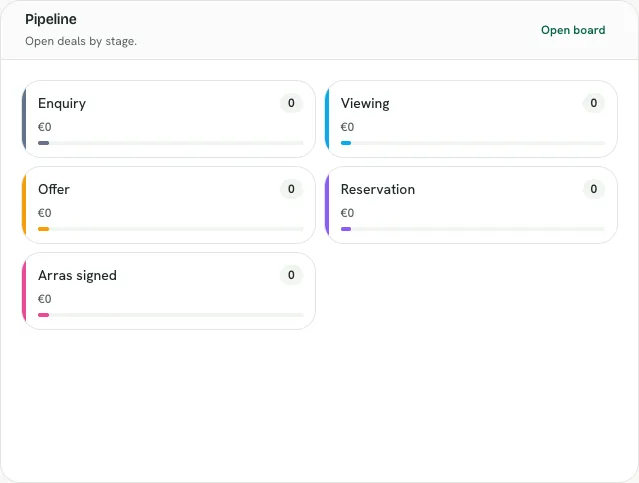
Shows the crm pipeline summary panel