How to Connect Facebook and Instagram
What to prepare and what Caseta asks for when connecting Facebook and Instagram for social posting.
Overview
Caseta's social planner needs access to the agency's Facebook Page and Instagram account to publish or prepare posts. The in-app guide at Marketing → Social media → Setup guide explains what to prepare, what Caseta asks for, and what to do if access expires.
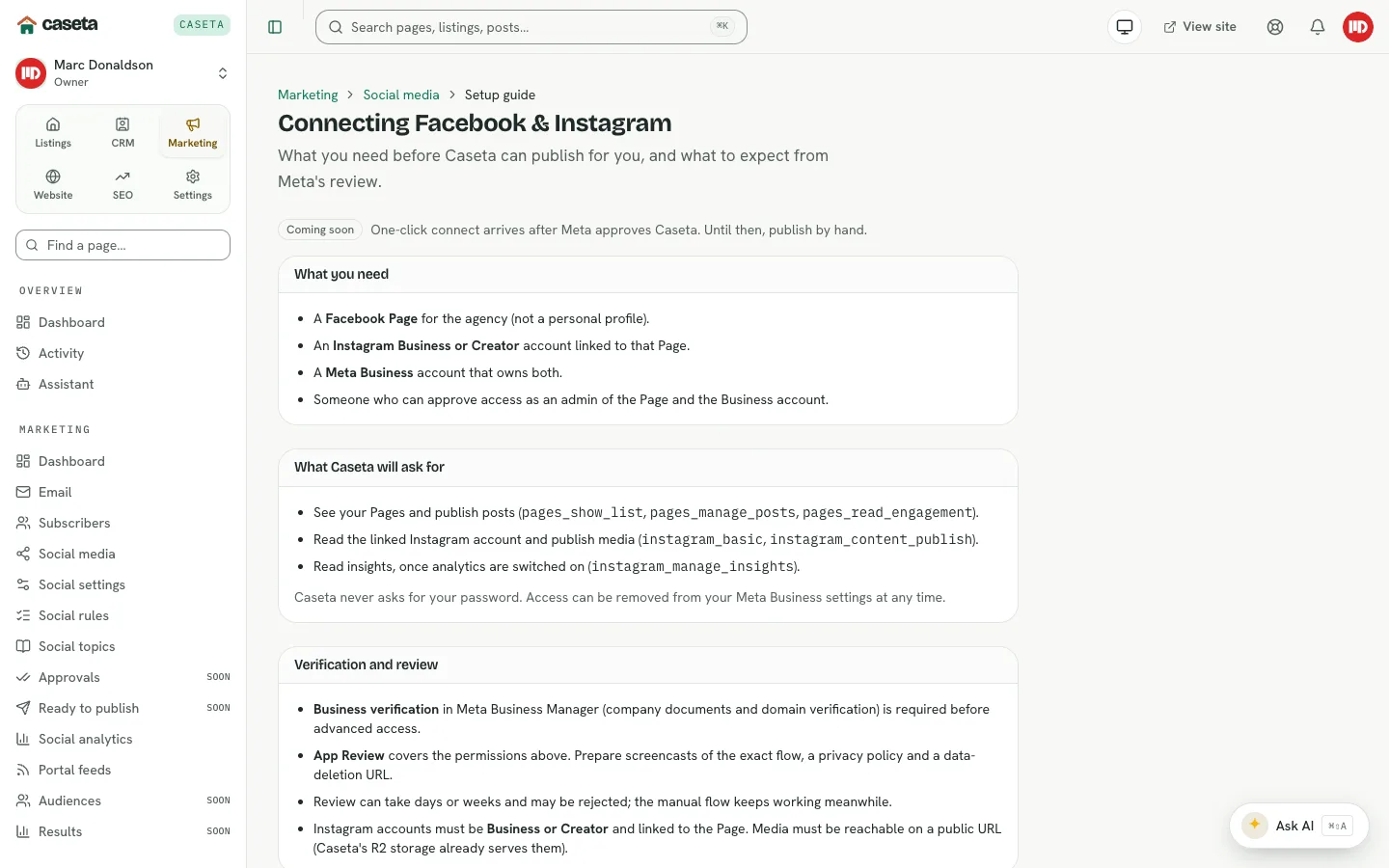
What you need
- A Facebook Page for the agency.
- An Instagram professional account, linked to that Page where required.
- A person who can grant access to the Page and account.
- The business/portfolio details the provider asks for.
What Caseta asks for
The setup guide lists the connection steps and the permissions the connection needs. Grant only the permissions required for posting and reading basic insights. Do not share personal passwords; use the provider's authorization flow.
Verification and review
Meta may review the app and permissions before publishing works. Follow the guide's steps and keep the business details accurate. Until the connection is active, use the manual publishing flow in Ready to publish.
If access expires or publishing fails
- Reconnect through the setup guide.
- Check the Page/Instagram role of the person who granted access.
- Check the token or connection status in Settings → Integrations where shown.
- If the platform is unavailable, continue with manual publishing and record the result.
Publishing by hand until then
The Ready to publish page provides the approved post pack: caption, media and the public URL field. Publish through the platform, then paste the URL back.
Common Problems
- The connection cannot be created. The person may lack the Page role, or the app
review may be incomplete.
- Publishing fails. The token may have expired or permissions may have changed.
- Instagram is missing. The Instagram account may not be professional or not linked to
the Page.
- You cannot open the guide. The social module may not be in the plan.