Managing Your Organisation and Plan
How to edit the agency's name, web address and logo, understand plan limits, upgrade and manage a subscription.
Overview
Organisation settings control the agency's identity. Plan & usage shows the current plan, included modules, limits and payment history, and provides the upgrade and cancellation flows. Only owners and admins can change these.
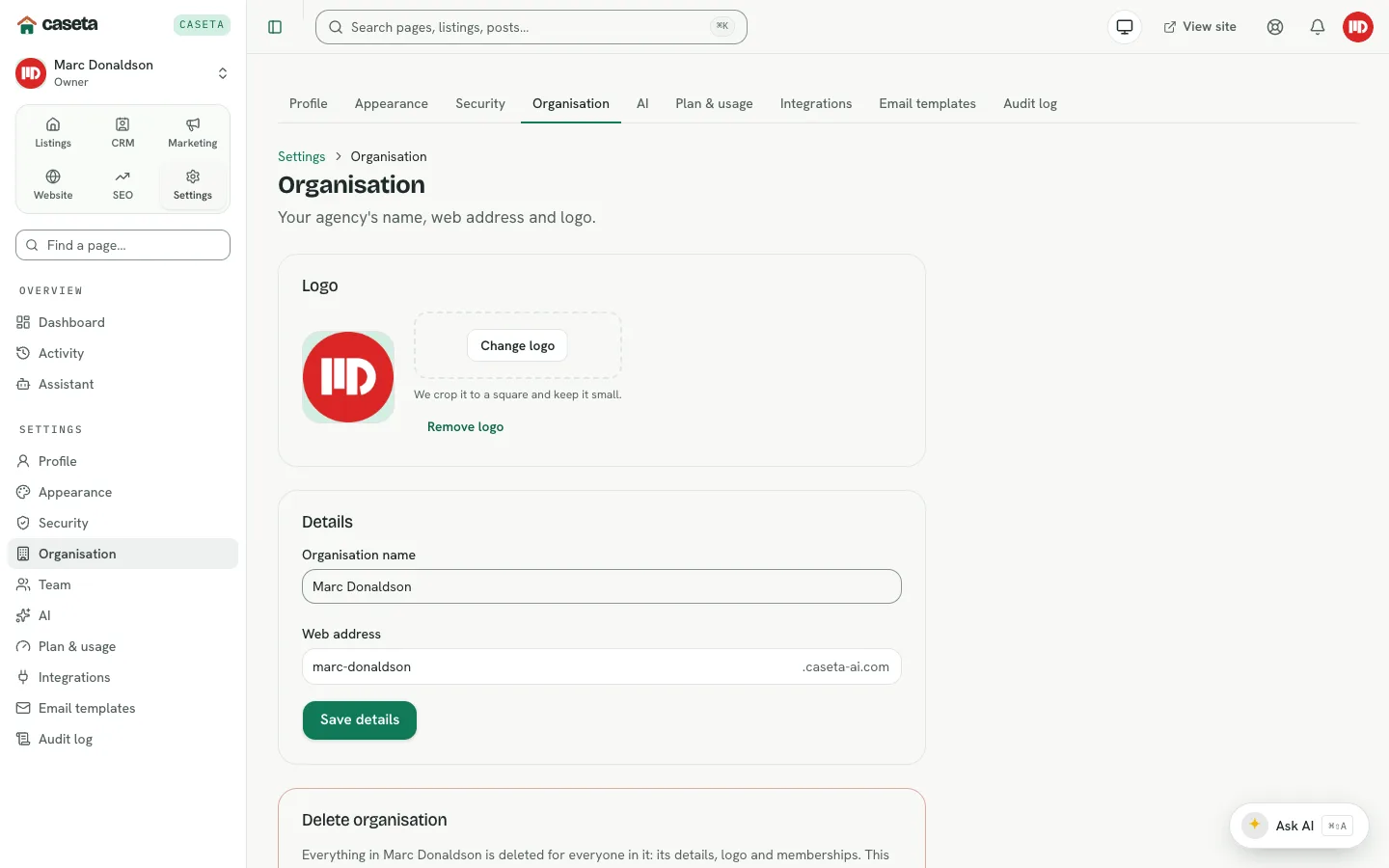
Organisation settings
Open Settings → Organisation.
| Field | Purpose | Validation |
|---|---|---|
| Agency name | The name shown in the app and public site | 1–80 characters |
| Web address | The agency's unique Caseta slug | 3–40 characters; lower-case letters, numbers and single hyphens; reserved words refused; uniqueness checked |
| Logo | Brand image | Image file; prepared in the browser |
- Save changes applies name, address and logo edits.
- Replace logo / Remove logo manages branding.
- Delete organisation is irreversible and requires typing the organisation name. Only
permitted owners see it.
Changing the web address changes the public site address; update external links and redirects.
Plan and usage
Open Settings → Plan & usage.
Current plan
The page shows the active plan, its label and the modules it includes. Modules outside the plan are hidden or shown with the plan needed, depending on workspace mode.
Usage
Usage lines show what the plan counts and the current position, such as team seats, listings, storage, AI requests or other enforced limits. A limit that is reached blocks the corresponding action until the plan changes or usage is reduced.
Upgrade
Select the upgrade action to open the plan chooser. The available plans and modules are shown with their prices. Completing the flow creates or changes the subscription through the configured payment provider.
Manage or cancel a subscription
Where a subscription exists, the page shows its state and actions. Cancelling follows the provider's flow; the plan may remain active until the end of the billing period.
Payment history
The billing section lists recorded payments and subscription events where the provider returns them.
Common Problems
- The web address is taken or reserved. Choose another. Reserved words include
admin,api,www,supportandmail. - A feature says the plan is required. The module is not in the current plan. Upgrade
or remove the dependency.
- A limit is reached. Reduce usage (for example, remove a member or listing) or
upgrade.
- The upgrade did not activate. The payment may still be processing; check payment
history and the provider's status.
- You cannot see billing. Your role may not allow it, or the access grant excludes
billing.
Security and Privacy
Billing data is sensitive. Only owners/admins should access it. Organisation deletion is destructive; confirm the name and understand the consequences before proceeding.
Screenshots
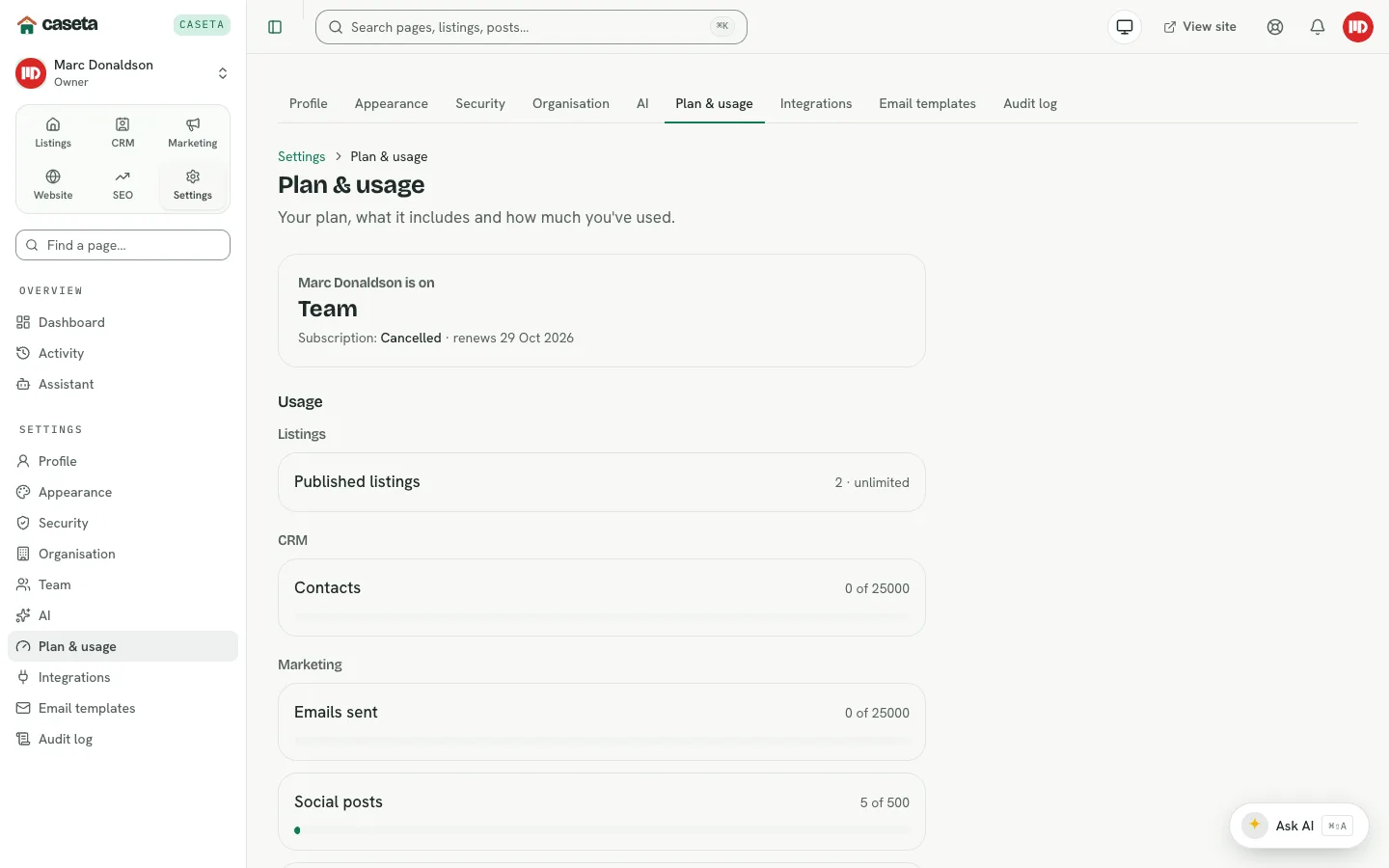
Shows plan management