Overview of the Marketing Workspace
How Caseta's marketing tools fit together: email campaigns, subscribers, social media and portal feeds.
Overview
Marketing brings together four ways to reach people:
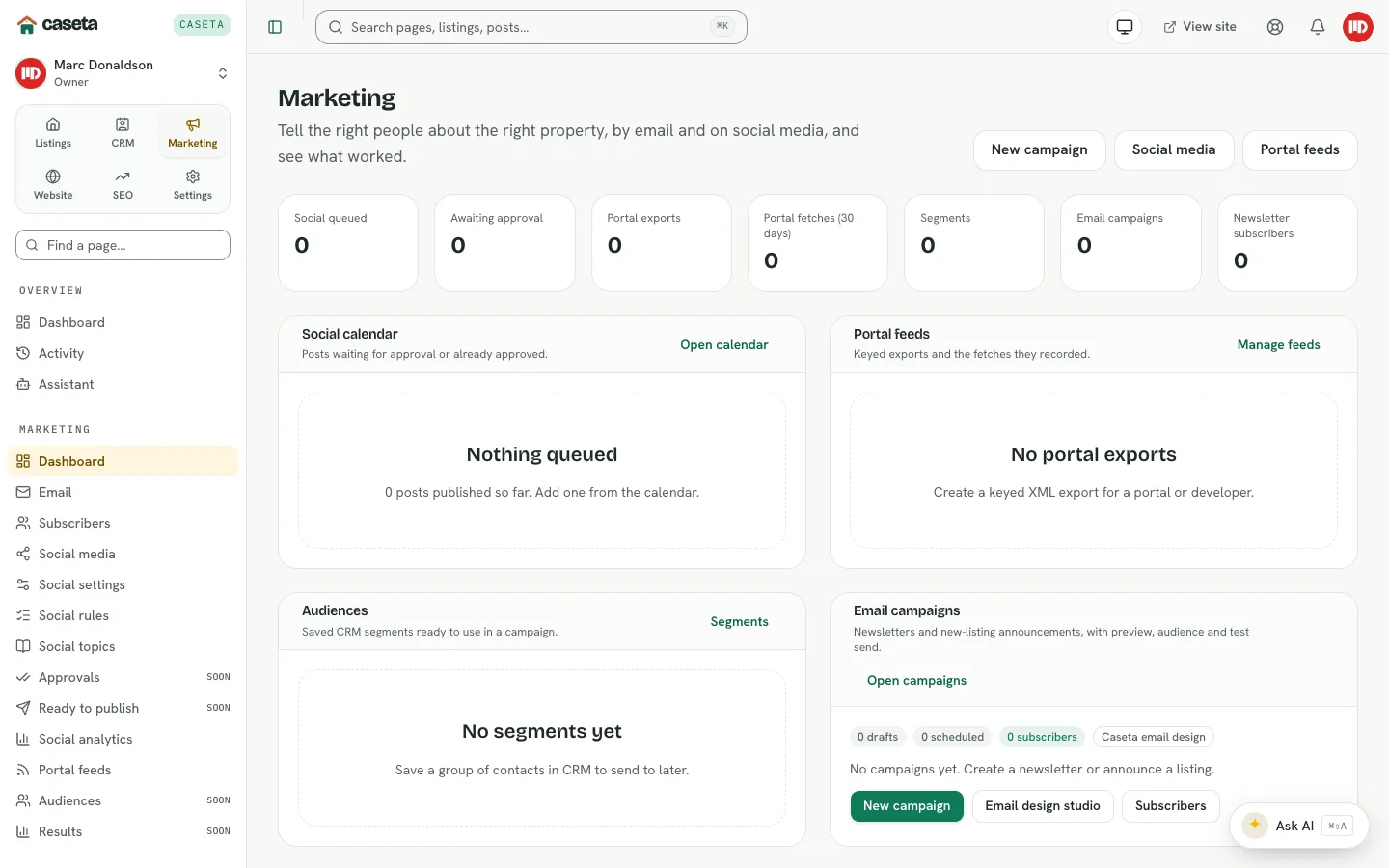
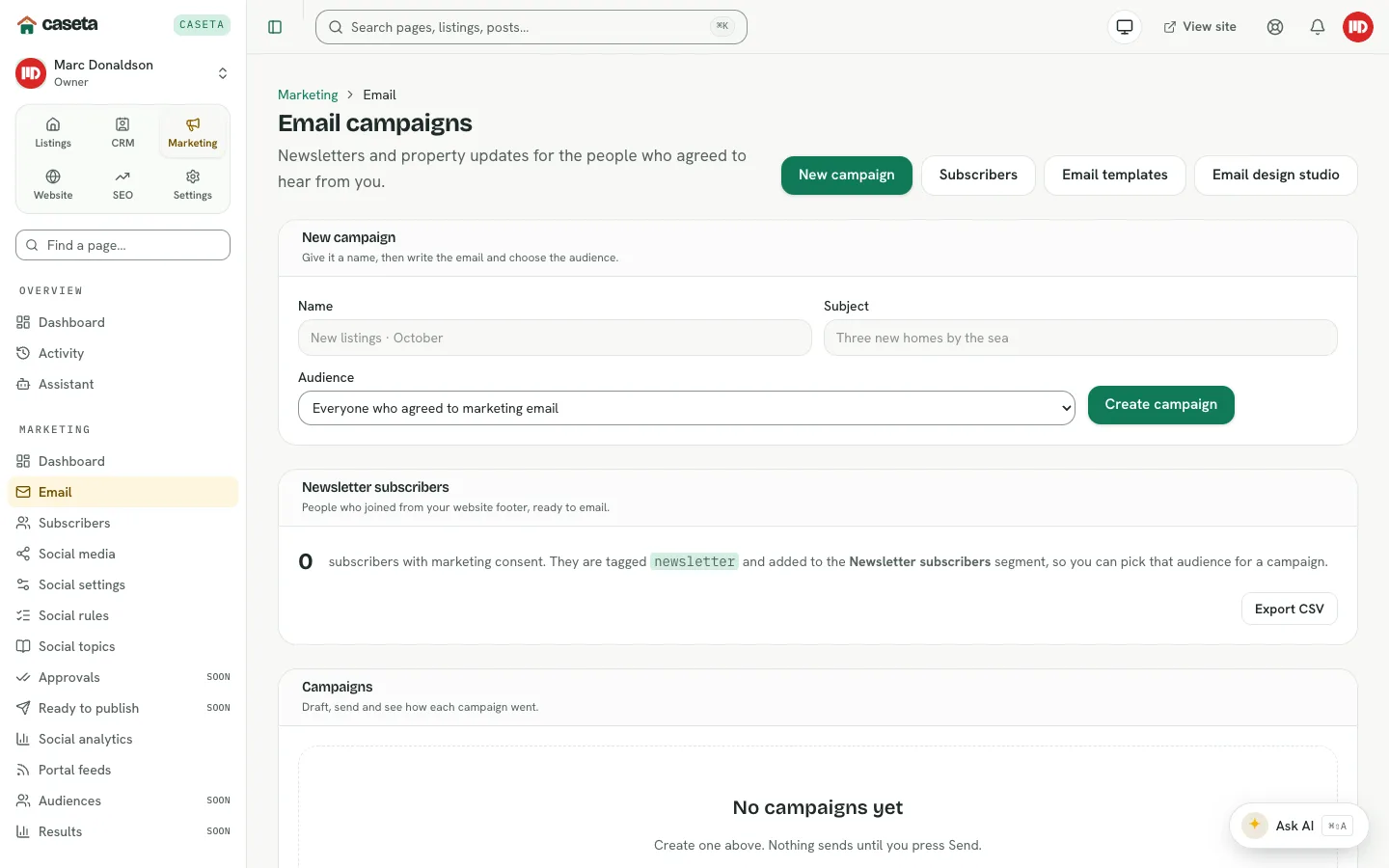
- Email campaigns for newsletters and property updates.
- Subscribers collected from the website footer.
- Social media for a planned calendar of Facebook and Instagram posts.
- Portal feeds for keyed XML exports to portals, developers and partners.
Who Is This For?
Agents, admins and owners whose plan includes the relevant module. Email and social are separate plan modules; portal feeds have their own module.
The marketing dashboard
Open Marketing → Dashboard. It shows the social calendar summary, portal feed links, audience information and campaign activity. The exact panels depend on the modules in the plan.
Step-by-Step: plan a month
- Open Marketing → Social media and set the month's posts.
- Add or review Social rules and Topics so the calendar fills automatically.
- Check Approvals and Ready to publish for posts that need a person.
- Create an Email campaign for the month's newsletter.
- Confirm Subscribers and consent.
- Review Portal feeds if partners need a live property export.
- Use Social analytics and campaign results to see what worked.
Understanding the sections
| Page | Purpose |
|---|---|
| Campaign list and new campaign form | |
| Subscribers | Newsletter signups and consent |
| Social media | Calendar, posts and approvals |
| Social settings | Tone, languages, approval rules and tracking |
| Social rules | Recurring schedules that fill the calendar |
| Social topics | Reusable editorial topics |
| Approvals | Posts waiting for a person |
| Ready to publish | Approved posts due to go out |
| Social analytics | Reach, engagement, clicks and leads |
| Portal feeds | Keyed XML exports |
What Happens Next?
Nothing sends or publishes without the correct status. Campaigns need a send or schedule action; social posts need approval where the settings require it; portal feeds are read by the partner after you share the keyed link.
Common Problems
- Email or social is missing. The plan may not include that module.
- A campaign cannot send. The audience may be empty or the email transport may not be
configured.
- Social posts stay in draft. Approval policy may require a person, or the rule may be
paused.
- A portal feed returns no listings. Only manual, published, available properties with
portal export enabled are included.